Best GPU for 3D Rendering in 2026: What a Studio Actually Runs
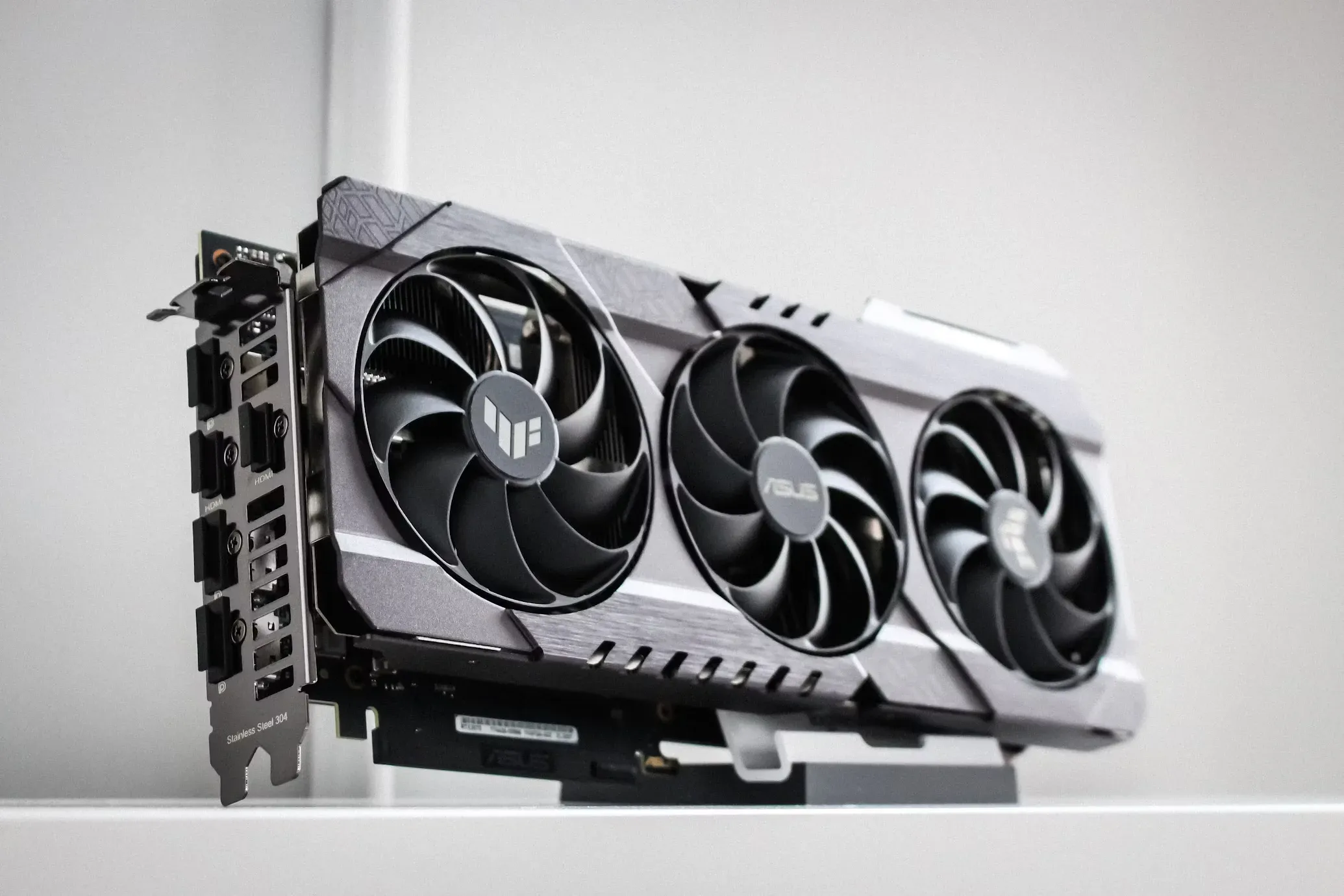
The best single GPU for 3D rendering in 2026 is the GeForce RTX 5090: 32 GB of GDDR7 and, in V-Ray benchmarks, somewhere between 38% and 54% faster than the RTX 4090 it replaced, the biggest generational jump the benchmark has recorded. That is the short answer. The longer answer is that our studio's render farm runs six RTX 5080s instead, and the reasons why are more useful to you than another spec sheet, because they show how the choice actually changes with the job.
This guide is written from production, not from a review bench: we render architectural stills, walkthrough animations and real-time scenes for clients every week, and the farm decisions below are the ones we made with our own money.
What actually matters in a rendering GPU?
Three things, in a strict order most buying guides get wrong.
VRAM first. A scene that does not fit in video memory does not render on the GPU, full stop. It either crashes, falls back to out-of-core tricks that crawl, or forces you to strip the scene you spent days building. Every other number on the box is irrelevant until the scene fits. For archviz in 2026: 16 GB is the working minimum, 24 GB is comfortable, and 32 GB or more is where heavy scenes with 8K textures, displacement and full vegetation live.
Engine support second. The uncomfortable truth of production rendering is that the serious pipelines are CUDA pipelines. V-Ray GPU, Chaos Vantage, most farm tooling: NVIDIA. If your stack is 3ds Max with V-Ray or Vantage, the AMD conversation ends before it starts. Blender's Cycles is the honourable exception, running well on AMD and Apple silicon.
Raw speed third. Only once the scene fits and the engine runs does the CUDA-core race matter, and by then the field has usually narrowed itself to two or three cards.
One caveat before any of this: Corona renders on the CPU. If your stills pipeline is Corona, as ours is, the GPU accelerates the viewport and the AI denoiser, not the render. Spend on cores and RAM first; our stills run on Threadripper nodes, and the GPUs earn their keep elsewhere.
The best GPUs for 3D rendering in 2026, by job
GeForce RTX 5090, 32 GB: the single-workstation king. If one card has to do everything (heavy scenes, GPU rendering, real-time, AI passes) this is it, at around 2,000 pounds if you can find it near list price. The 32 GB buffer is the real luxury: it postpones scene-optimisation work that eats artist hours.
Used GeForce RTX 4090, 24 GB: the honest bargain. Here is the fact the marketing skips: in V-Ray, a used RTX 4090 still out-renders a brand-new RTX 5080 by roughly 8%, with 24 GB against 16. For a single workstation bought on your own money, a good used 4090 is the smartest purchase of this generation.
GeForce RTX 5080, 16 GB: the farm card. Slower than a used 4090 per card, and we bought six of them anyway; the next section is the why.
GeForce RTX 5070 Ti, 16 GB: the entry point that is actually usable. Same VRAM as the 5080 for noticeably less money. For a junior workstation or a viewport-and-Vantage machine, it is the budget pick that does not sabotage you; below this tier, 12 GB cards start refusing real archviz scenes.
RTX PRO 6000 Blackwell, 96 GB: the specialist. Roughly 13% ahead of the 5090 in V-Ray and with three times the memory, this is the card for scenes that simply do not fit anywhere else, and for pipelines that require certified drivers. Most studios, ours included, do not need it; the ones that do, know exactly why.
Why our farm runs six RTX 5080s, not 5090s or used 4090s
A farm buys throughput, not bragging rights, and the maths at farm scale is different from the maths at a desk.
Six 5080s cost roughly what three 5090s do. Three faster nodes lose to six slower ones on every metric a production farm cares about: queue depth on deadline week, redundancy when a node drops, and how many jobs finish overnight. A farm node that dies is a scheduling problem when it is one of six and a crisis when it is one of three.
Power is the quiet second reason. A 5080 draws around 360 W against the 5090's 575 W; across six nodes running through the night, that difference is real money and real heat, every month.
And against used 4090s: for farm hardware we buy new with warranty. A used card in a workstation is a bargain; six used cards running flat out around the clock is a fleet of unknowns. I will happily concede the per-card benchmark to the 4090; the farm is not one card.
The 16 GB ceiling costs us little in practice because our scenes are optimised for it as a matter of pipeline discipline, and because the farm's GPU work is dominated by walkthrough production in Chaos Vantage, where 16 GB is comfortable. Stills, as said, render on the CPUs.
GeForce or a workstation card?
For rendering, GeForce, almost every time. The workstation line (today's RTX PRO cards, the old Quadro habit) buys you three specific things: very large VRAM, certified drivers for CAD applications that insist on them, and ECC memory. If none of those three sentences describes your problem, the GeForce equivalent renders just as fast for a fraction of the price. The 24 GB Quadros that filled guides like this five years ago are exactly the cards the used 4090 has made irrelevant.
What about AMD and Apple?
Honestly: if you render in Blender Cycles, both are fine and AMD is often the value pick. If you work in the 3ds Max ecosystem with V-Ray, Corona and Vantage, the pipeline is NVIDIA and pretending otherwise wastes your money. Apple silicon has become a genuinely good lookdev and modelling platform with impressive unified memory, but a Mac is not a farm node for a CUDA pipeline, and the studios that tried are quiet about it now.
Frequently Asked Questions
How much VRAM do I need for 3D rendering in 2026?
16 GB minimum for professional archviz, 24 GB comfortable, 32 GB or more for heavy scenes with large textures, displacement and dense vegetation. VRAM is the first filter: a scene that does not fit does not render on the GPU.
Is the RTX 5090 worth it for architectural visualization?
For a single artist working with big scenes, yes: the 32 GB alone saves optimisation hours that cost more than the card. For a farm, usually no; more mid-tier nodes beat fewer flagships on throughput, redundancy and power.
Does the GPU matter for Corona Renderer?
Barely. Corona is a CPU renderer; the GPU accelerates the viewport and the AI denoiser only. If Corona is your engine, spend on CPU cores and RAM first. This is why our farm pairs Threadripper CPUs for Corona stills with RTX 5080s for Vantage and GPU work.
Can I mix different GPUs in one render farm?
Across nodes, yes: each node takes whole jobs, so mixed hardware just means uneven finish times. Inside one machine, keep cards identical; mixed VRAM sizes drag every card down to the smallest buffer in most engines.
Sources
- Review: are the GeForce RTX 5090 and 5080 worth the money for CG?, CG Channel (accessed 2026-07-07)
- GPU benchmarks hierarchy 2026, Tom's Hardware (accessed 2026-07-07)
- GeForce RTX 5090, NVIDIA (accessed 2026-07-07)