Office 3D Visualization
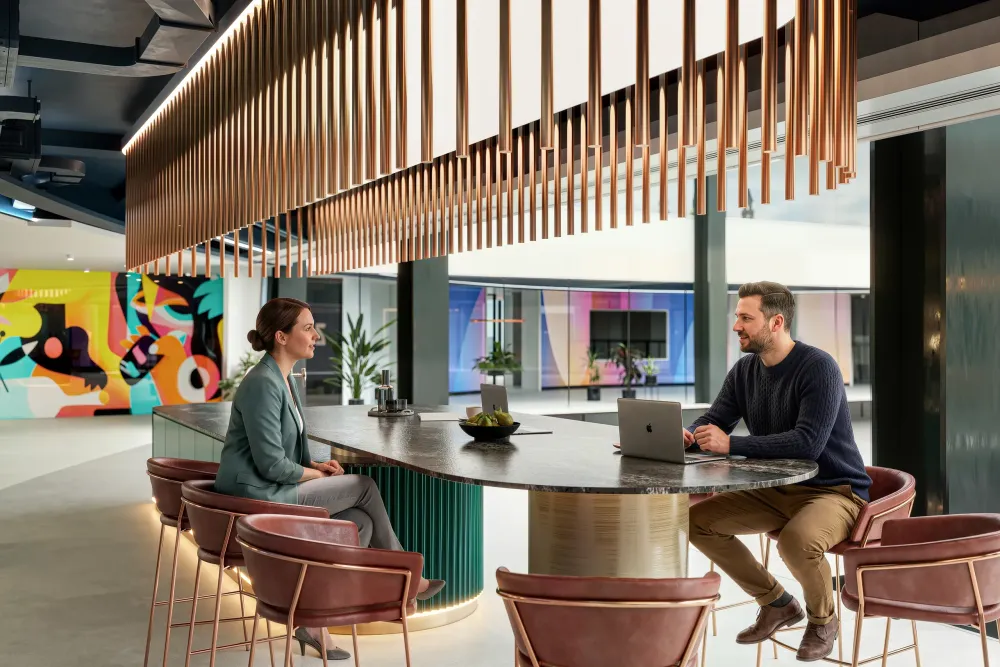
Office 3D visualization is how a design-and-build firm shows a client the finished workplace before the strip-out even s...

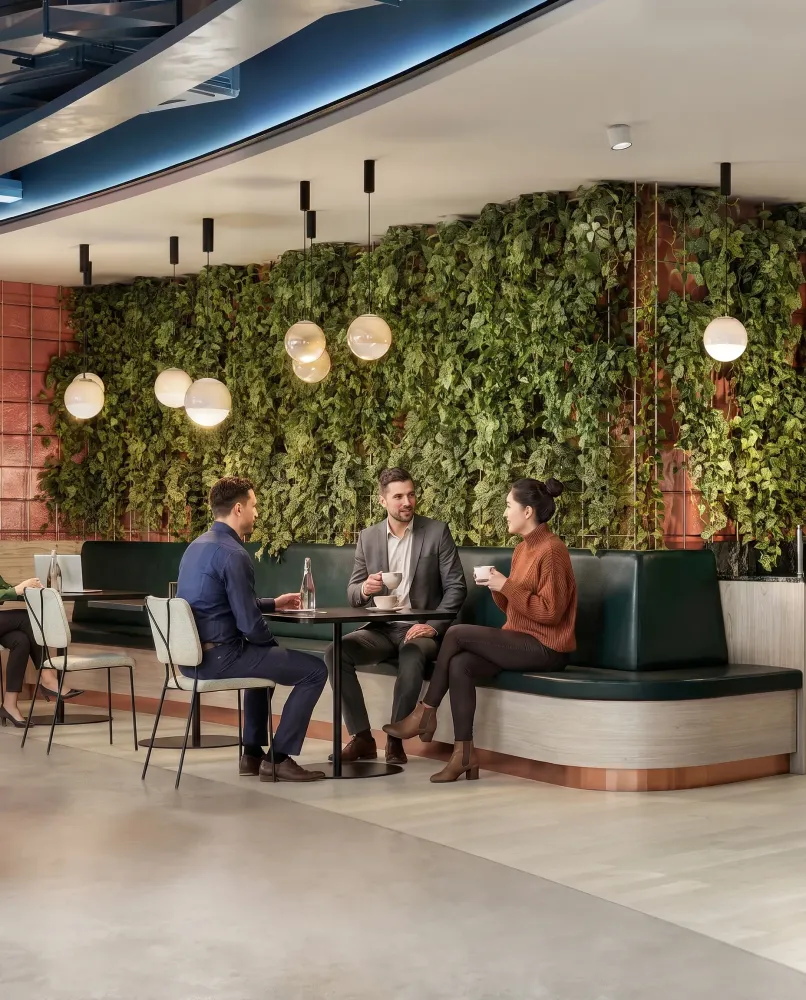
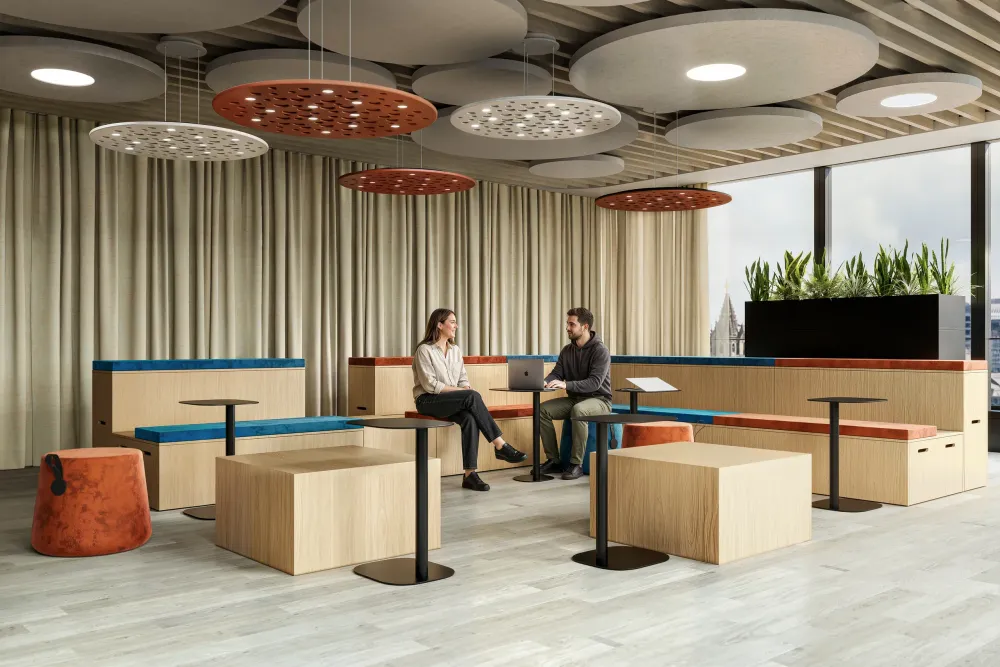
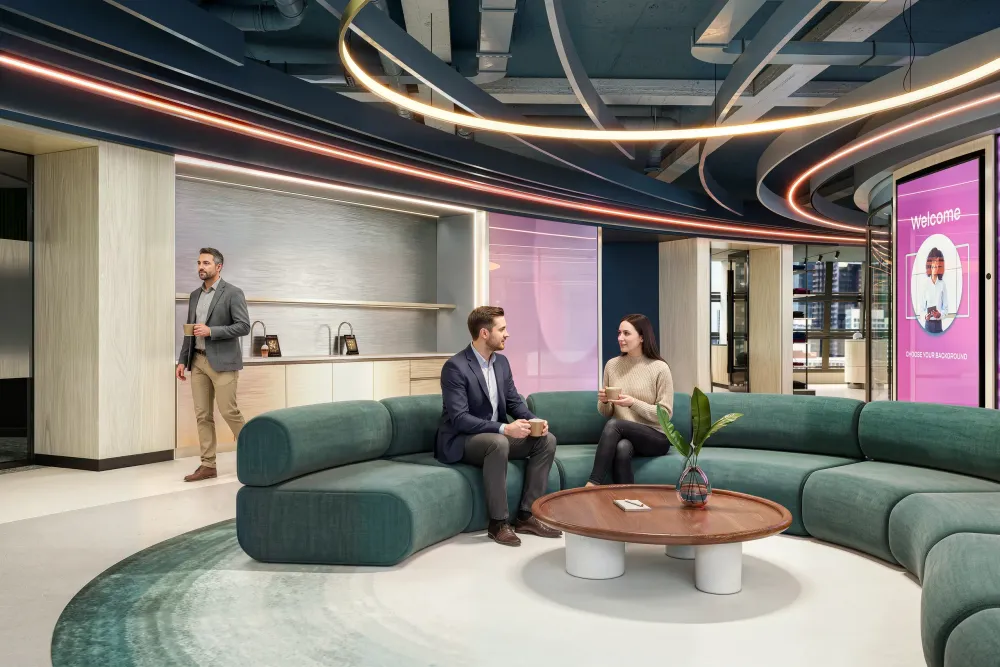
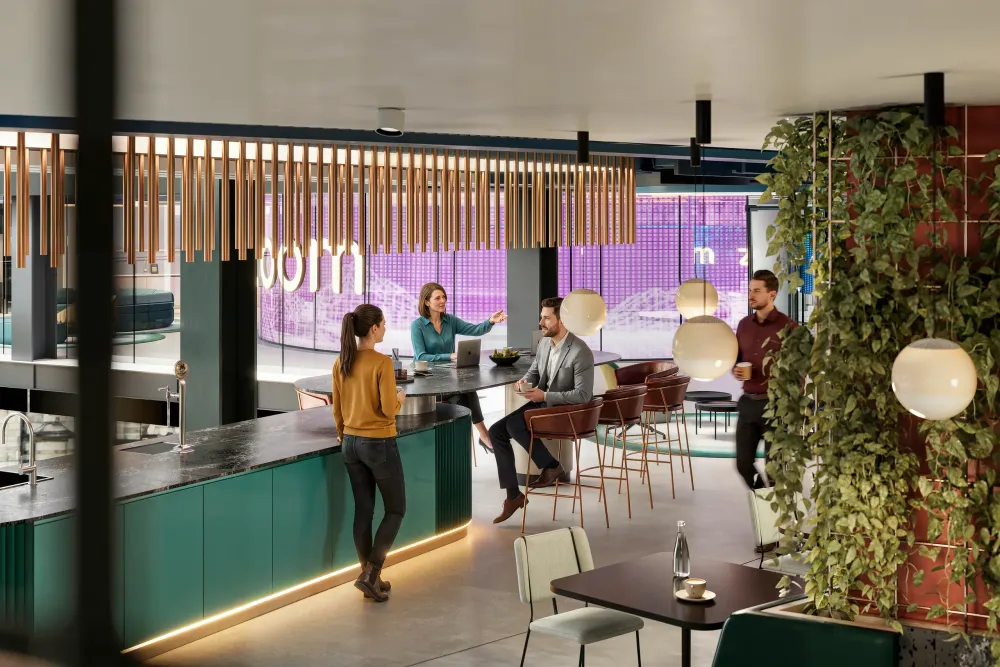
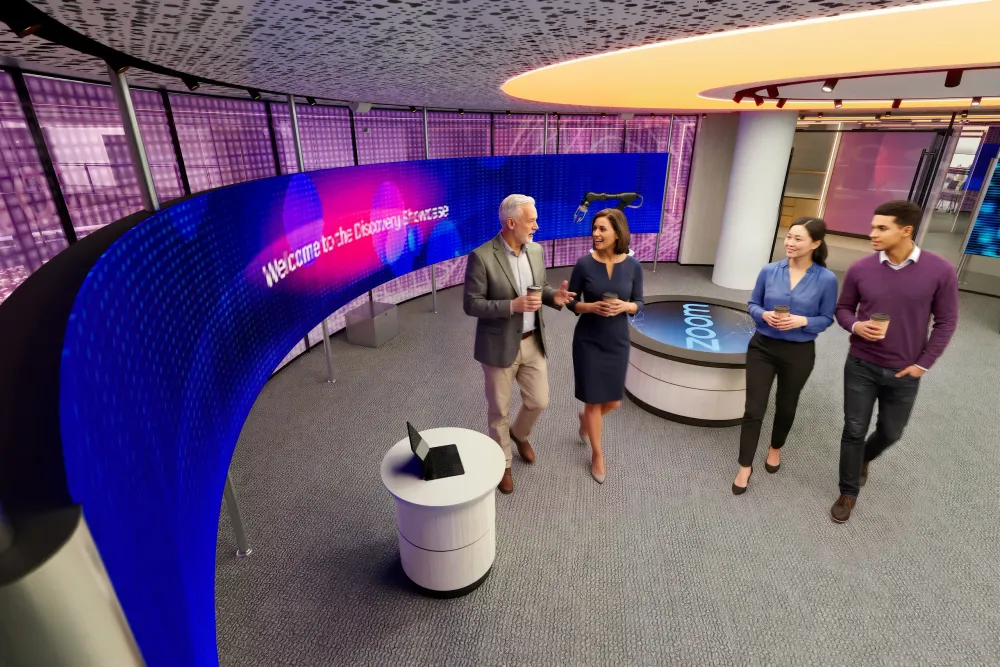
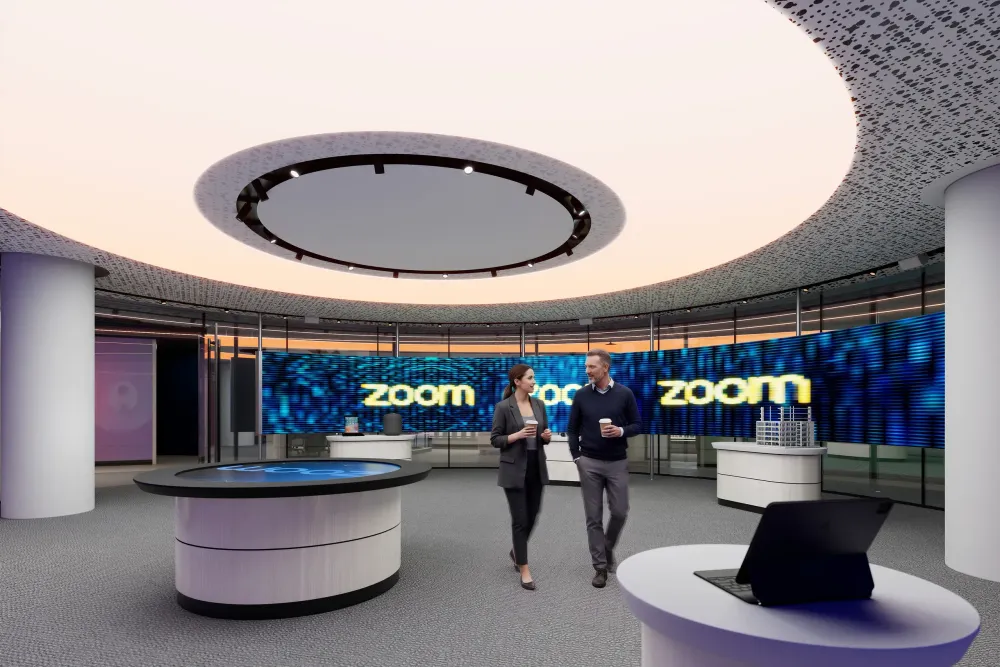
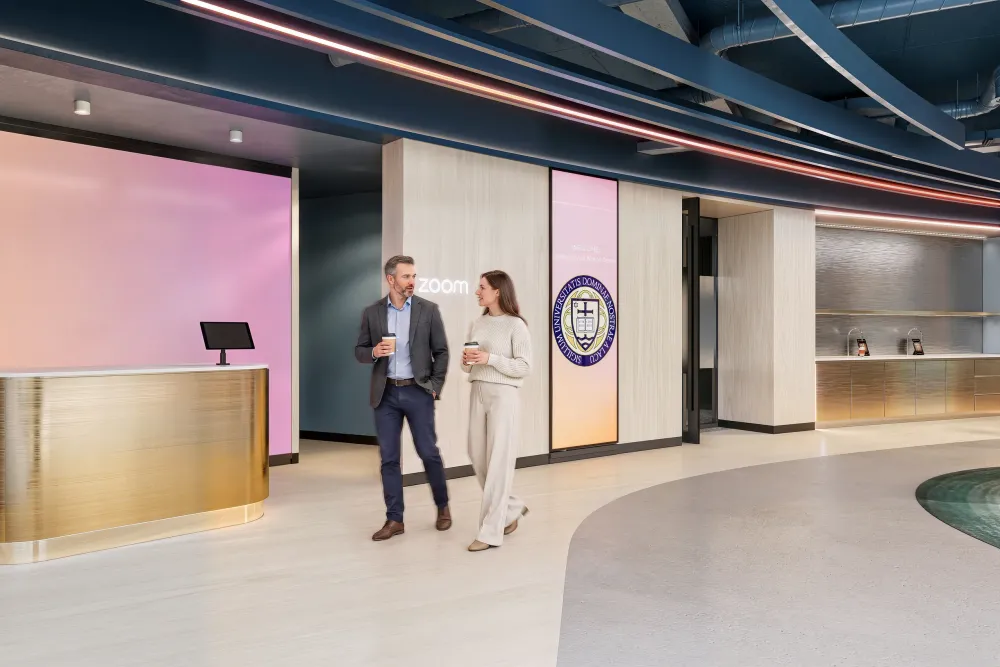
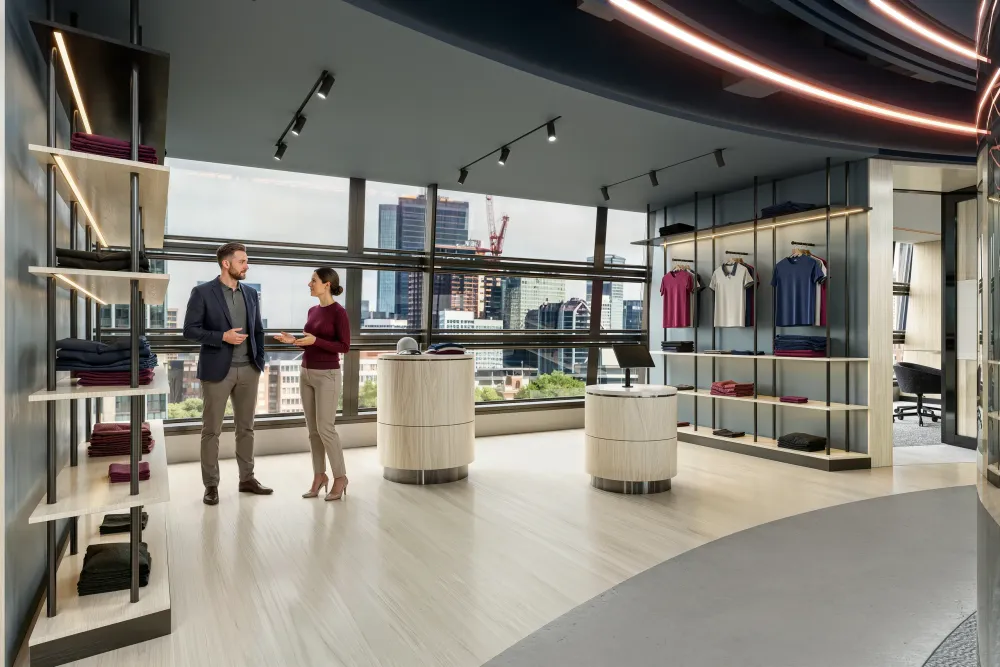
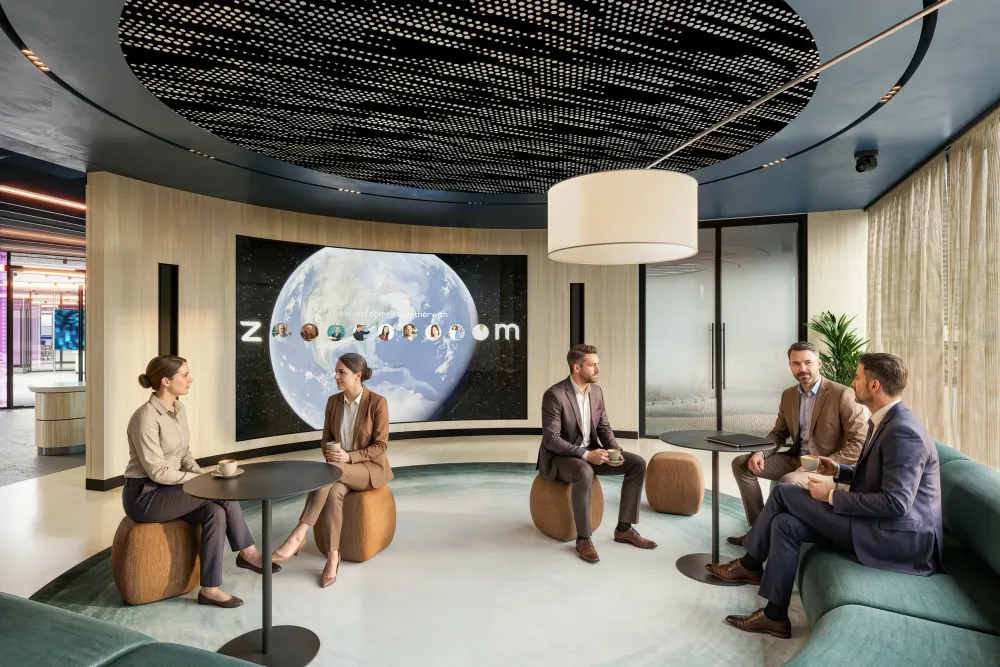
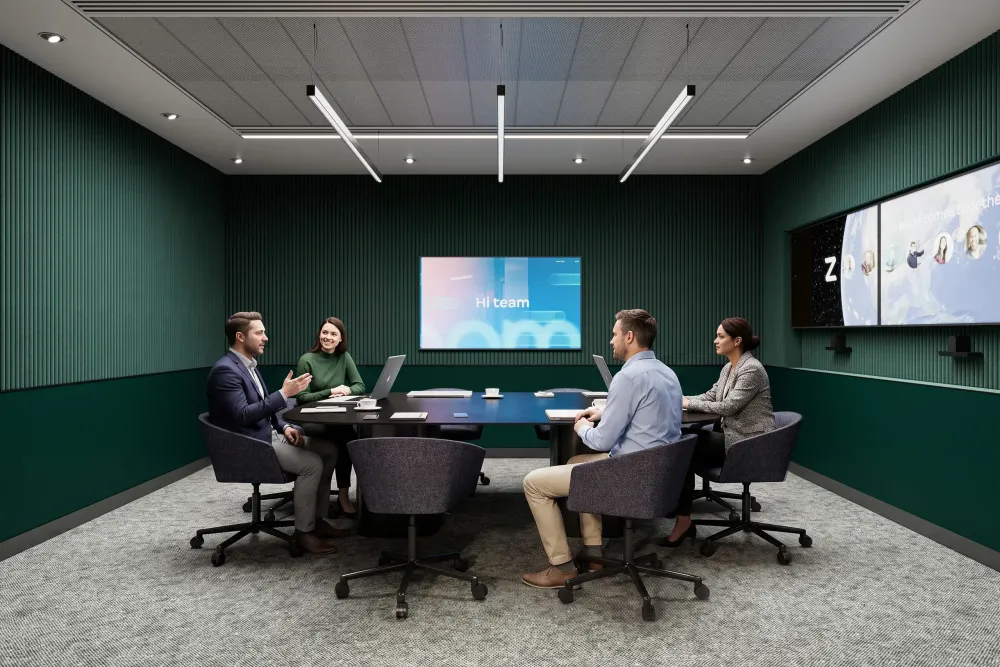
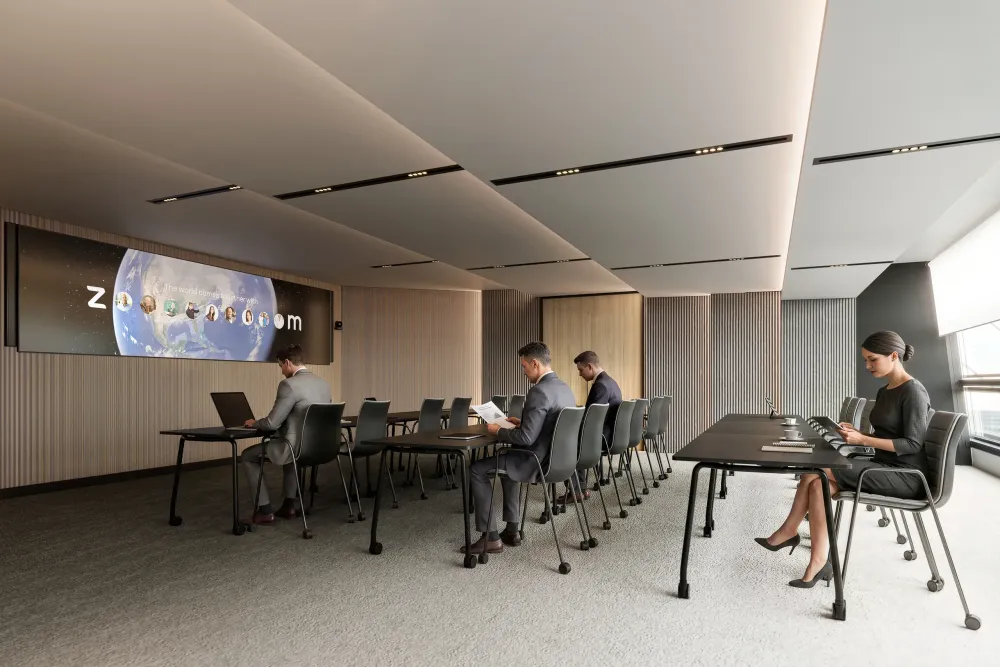
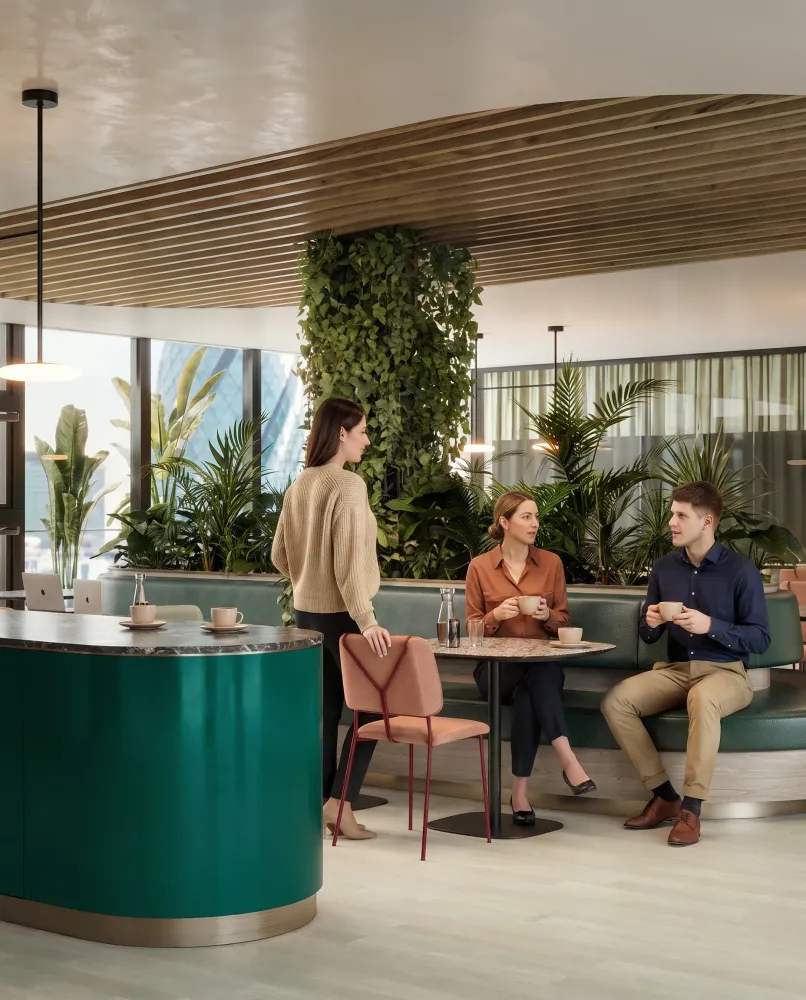
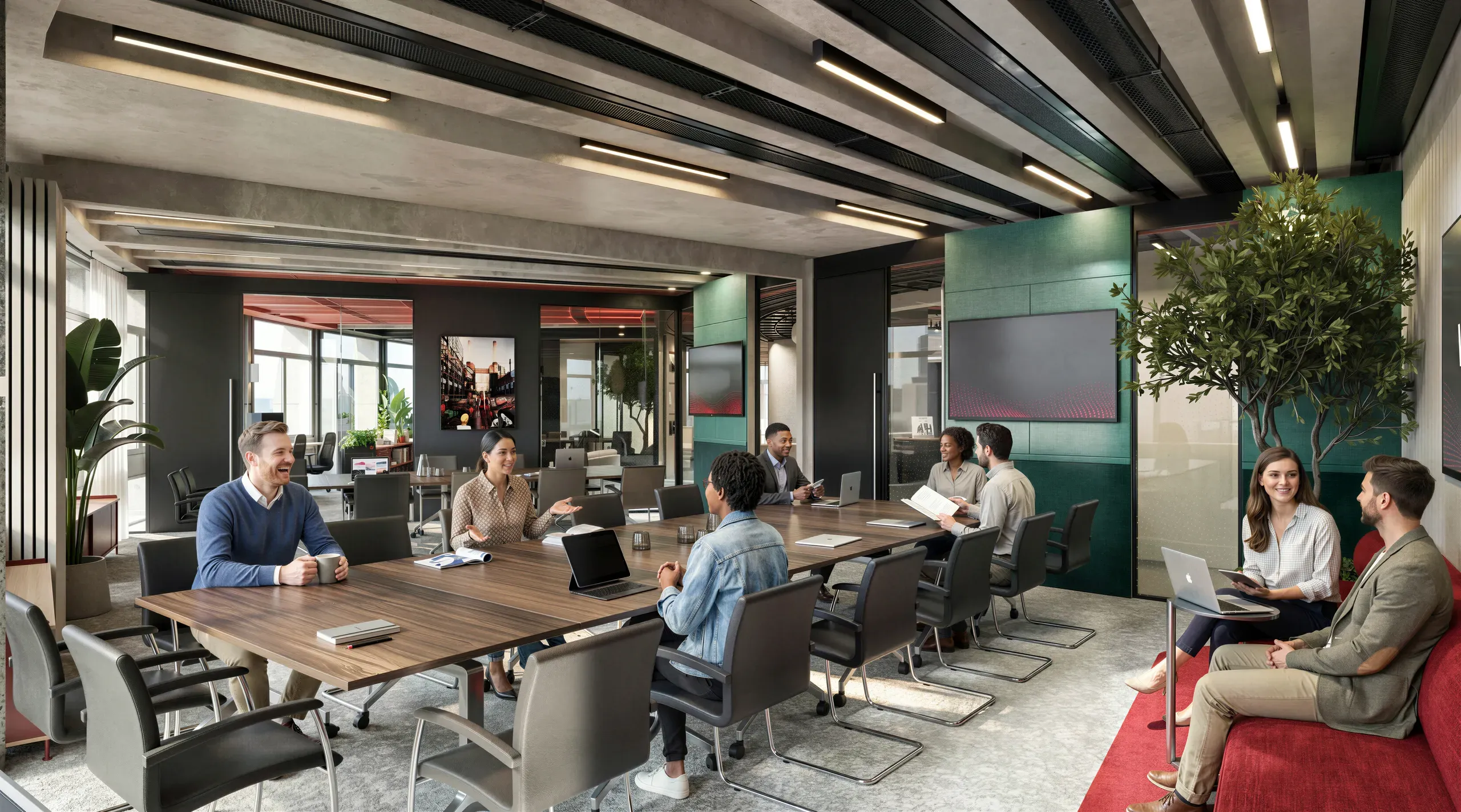
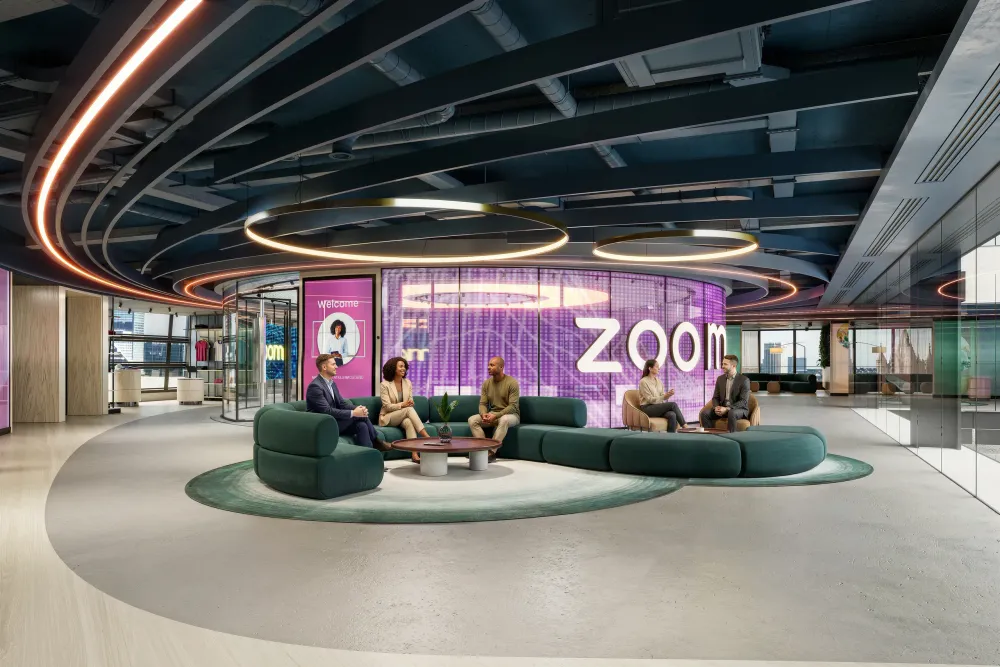
We partnered with Unispace to visualize Zoom's immersive London Engagement Hub. The goal was to showcase how physical space bridges the gap between remote and in-office work. This project required high-fidelity rendering to accurately depict the interplay of dynamic lighting and digital screens.


Unispace came to us with a brief most fit-out pitches would struggle with: sell Zoom on a 15,000 square foot London experience centre that did not exist yet. The Zoom Engagement Hub was never meant to read as an ordinary office. It was a statement about hybrid work, and two spaces carried it, the Lens Wall and the Discovery Showcase, both of which live or die on how light and digital screens are handled.
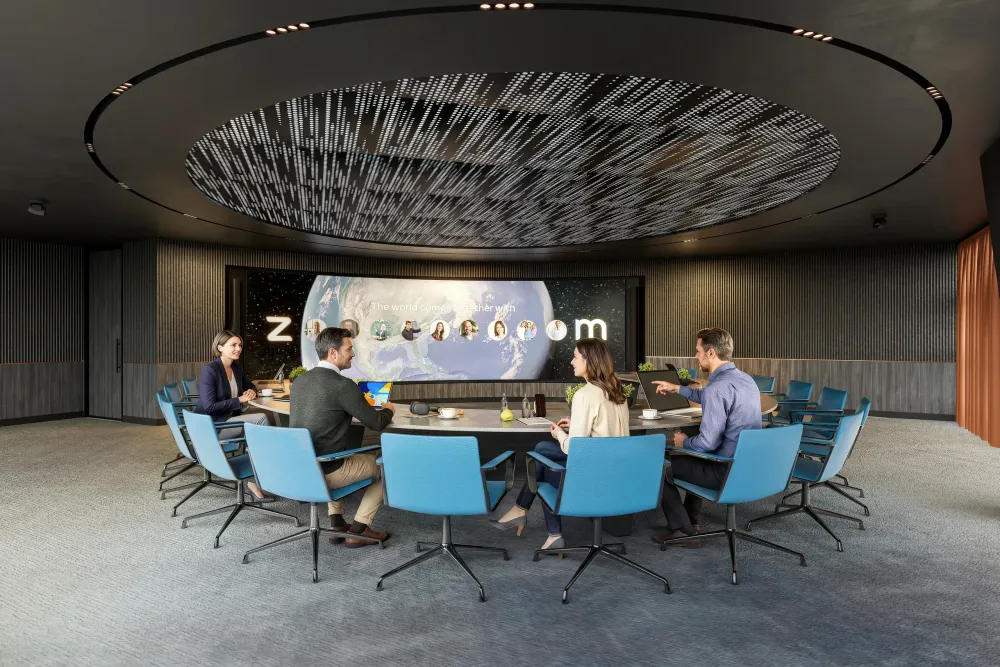
That is exactly the kind of job office 3D visualization exists for. We built the scheme in 3ds Max and lit it in Corona Renderer, paying particular attention to the colour temperature where the architectural lighting met the glow of the screens, the detail that makes a space like this feel real rather than rendered. We ran it the way we run every pitch: a tight loop of camera, materials and lighting, 15 high-resolution frames across 3 revision rounds, faithful to the design Unispace and Zoom had set rather than our own interpretation of it.
The work was delivered in 21 days, and the feedback came back on the thing that matters most: the team was really happy with how the lighting turned out, especially the boardroom shots, and said it looked exactly like what they had envisioned. When a render lands the lighting and the materials, the client stops judging the picture and starts believing the building. That is how office CGI wins a pitch, and getting a brand-led space exactly right is the discipline behind workplace branding in CGI.
Total Area
High-Res Renders
Revision Rounds
Days Delivered
"Thanks for sending these over. The team is really happy with how the lighting turned out, especially in the boardroom shots. It looks exactly like what we envisioned. Great work on the textures as well."

We use self-illuminated materials combined with texture mapping that includes pixel grids. This prevents the image from looking flat and adds realistic glare and bloom effects relative to the scene lighting.
We primarily used Autodesk 3ds Max for modeling and Chaos Corona for rendering. This combination allows for highly accurate light calculations and realistic material simulation for interior spaces.
A standard floor visualization typically takes 2 to 3 weeks. This timeline varies based on the complexity of custom furniture, the size of the floor plan, and the number of feedback rounds required.
It is the process of creating graphical representations of structures before they are built. It helps clients understand space, light, and material choices, significantly reducing errors during construction.
While helpful, it is not required. We can build full 3D environments from 2D CAD drawings, PDFs, or even hand-drawn sketches with reference images. We build the geometry from scratch if needed.
Yes, we model custom furniture based on specifications or source high-quality assets for brands like Herman Miller or Steelcase to ensure the renders match the final procurement list exactly.